About
Learn how to use more advanced features of the VCarve Pro software, including:
- Design, edit, and transform vectors using basic shapes and text.
- Import 3D clip art and models, create tool definitions, create and manage tool paths.
- Save G-code files for multiple types of carving tools for machining on a CNC (Computer Numerical Control) router, in which pre-programmed computer software dictates the movement of tools and machinery.
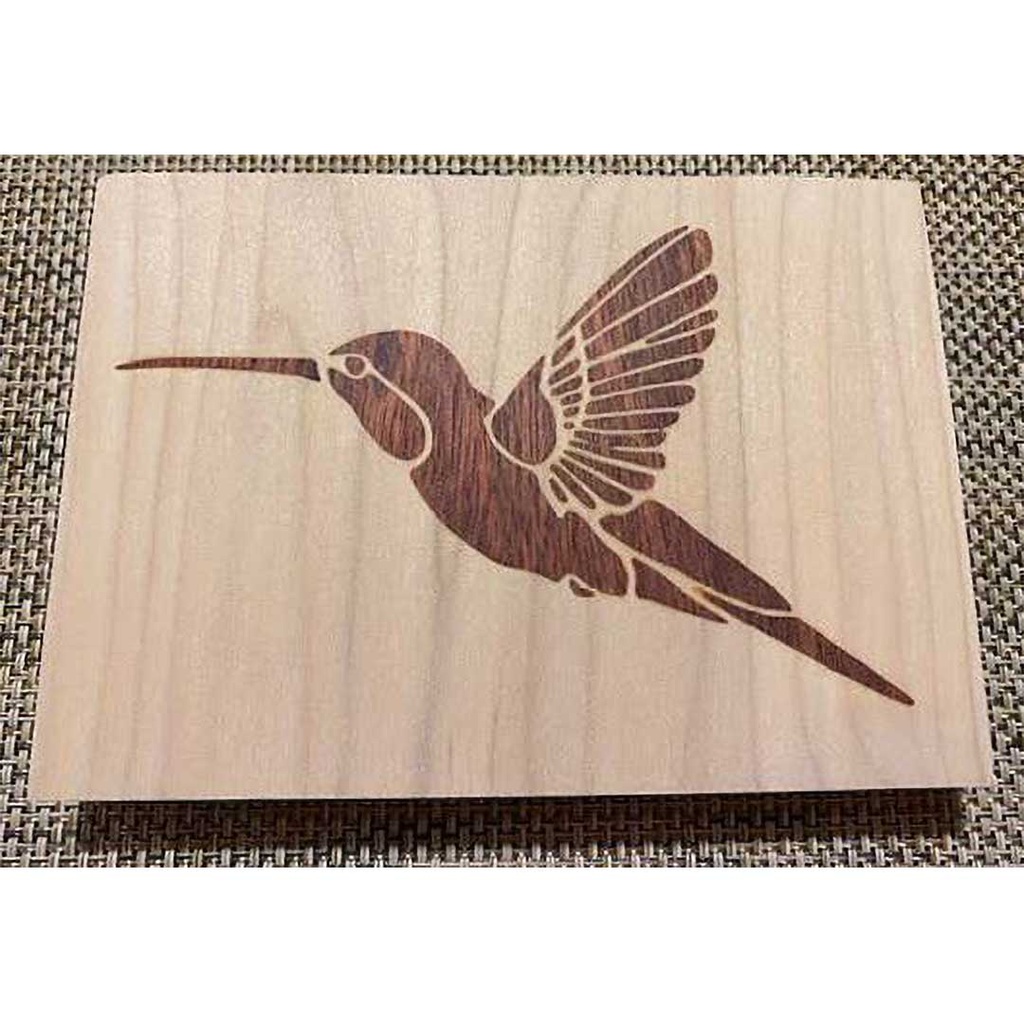
- Design and cut an inlay on the studio's CNC router using the special VCarve technique. The inlay material will be walnut and the base material maple.
The inlay you create will involve cutting the materials (walnut and maple) and gluing them in the Woodworking Studio. The instructor will show you how to cut off excess inlay material and sand the inlays using a sample cut so you can do the same to your project at your leisure after the glue has dried.
Details
Session 1 will be in the Tech Lab while sessions 2 and 3 are in the Woodworking & Small Boatbuilding Studio. During Session 3, there will be time for you to cut a second inlay on the CNC router, if desired.
Details
A $35 material fee, included in the class cost, covers all needed materials.