About
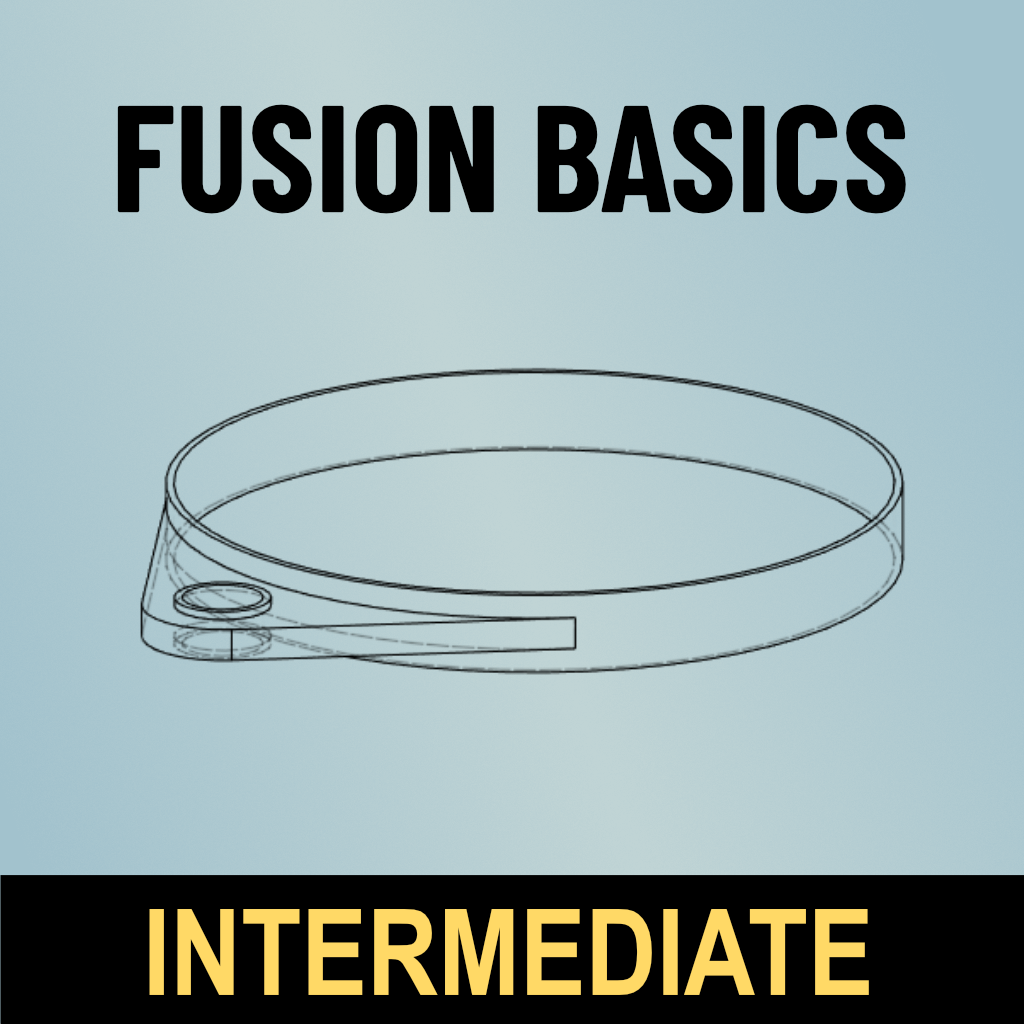
The intermediate level picks up where the beginner class left off when it comes to learning Fusion 360, a 3D design program that lets you turn designs into items of metal, wood, plastic, or molds. This is an incredibly powerful tool for designing 2D and 3D objects for visualization or for manufacturing on 3D printers, laser cutters, CNC (computer numerical control) machines, plasma cutters, and more.
You'll learn foundational, intermediate concepts like:
- Using advanced constraints and dimensions
- Using project and intercept in your sketches
- Understanding parametric design and good timeline management
- Designing parts to interface perfectly with existing hardware
- Rendering your work in brilliant detail
The course includes links to instructor notes and a collection of exercises to build your skills.
Details
- This course will get you farther down the road to being a digital designer. Next, take the Advanced course to really drive it home.
- Bring a laptop with Fusion 360 already loaded. This is critical as no computers are provided, and the program
does not work well with a trackpad. There will not be time during class
to download the program.
- You can download a free trial
directly from Fusion. Click "Get started" under the column "Fusion 360
for Personal Use." It will walk you through the process including
creating an account and sending you a confirmation email.
Prerequisites
Fusion 360 Basics Beginner or equivalent
Class Policies
Ages 14 and up are welcome.