Skip to Content
Registrations Closed

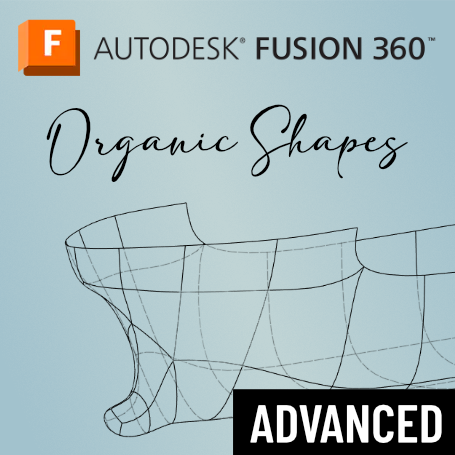
Fusion 360 Organic Shapes

Fusion 360 is amazing at designing prismatic, rectilinear shapes, but did you know that it's pretty amazing at creating organic shapes as well? Take this course to learn how.

Starts
Ends
Add to calendar:
Fusion 360 Organic Shapes

Fusion 360 Organic Shapes

Fusion 360 is amazing at designing prismatic, rectilinear shapes, but did you know that it's pretty amazing at creating organic shapes as well? Take this course to learn how.
Pricing
Tuition Assistance and Policies
See more
Cancellation & Other Policies
See more
Registrations Closed

About

Learn how to use the Fusion 360’s Surface environment as a tool for your solid shape designs. Then, move on to the power of T-splines in its Form environment for next-level control over smooth, round shapes.

The real power is in the fact that these environments are not entirely isolated. The shapes you build in the Form environment are solids and surfaces that integrate with prismatic shapes. Think of the Form environment as a set of tools to boost your creative control over shapes. Use it to build things like a spoon, a boat hull, or an ergonomic mouse.

After a quick review of the Fusion 360 Basics series, you’ll learn:

- Sketching for surface and forms modeling

- How the Surface environment is a modeling tool

- How to build thin wall parts (like RC airplanes) using Surface

- How the Form, Surface, and Solid environments work together to achieve your whole design

- A ton of Form tools for creative shape making

This course includes links to instructor notes and a collection of exercises to build your skills. The format primarily will be a lecture with a bit of time near the end of each session for hands-on practice and questions.

Look for more Fusion 360 specialty courses in the future!

Details

Bring a laptop with Fusion 360 already loaded. This is critical as no computers are provided, and the program does not work well with a trackpad. There will not be time during class to download the program.

You can download a free trial directly from Fusion. Click "Get started" under the column "Fusion 360 for Personal Use." It will walk you through the process including creating an account and send you a confirmation email.

Prerequisites

You should already have taken the entire Fusion 360 Basics series (Beginner, Intermediate, and Advanced).

Class Policies

Ages 14 and up are welcome.

Instructor
Jeremy Foster

Jeremy Foster, a software engineer at Microsoft and a maker at heart, has been designing and making "things" for the Internet of Things for more than a decade. Formerly on the Fusion 360 team's Advisory Board, Jeremy tries to stay current on everything Fusion 360 has to offer hackers and makers like us.

Related Events

Check out other events you might be interested in!
Tech Lab Open Studio

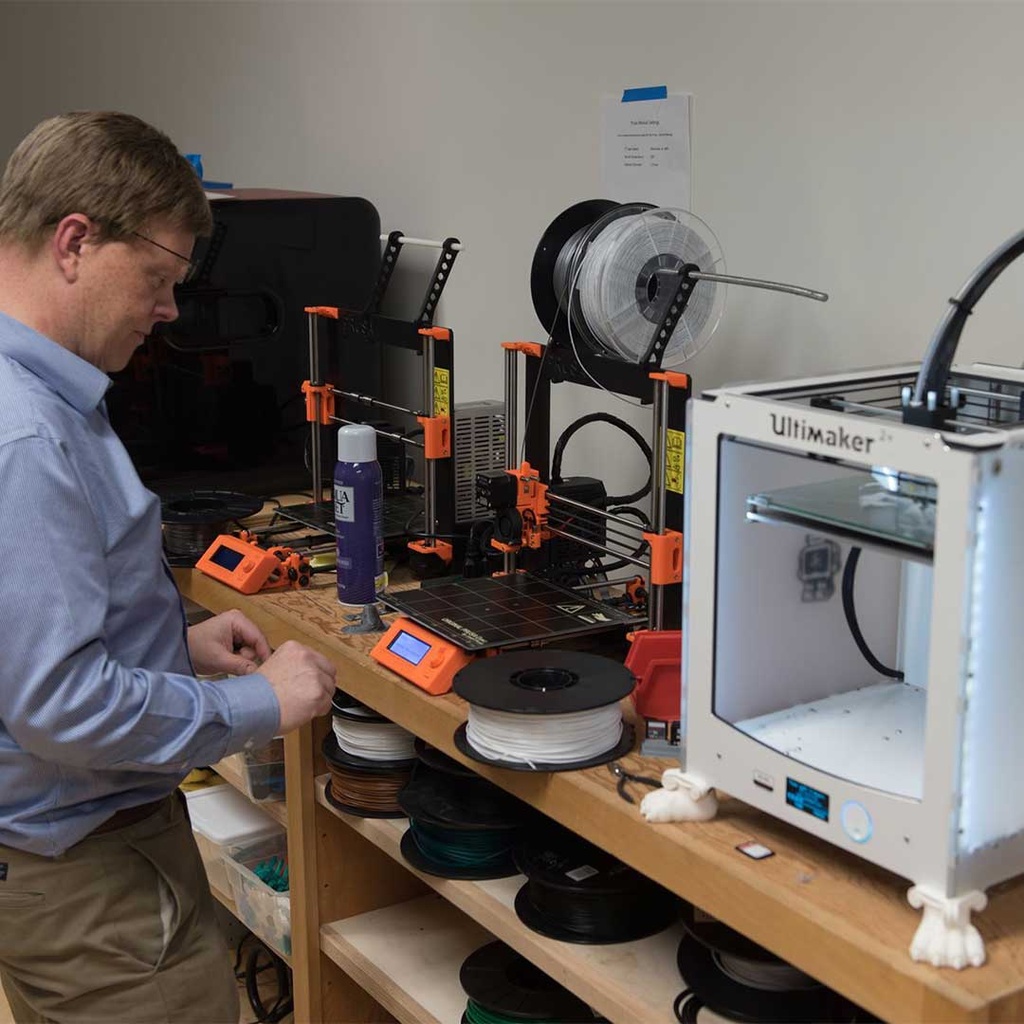
Tech enthusiasts of varying skill levels and interests can work on projects using studio tools and equipment.

July 26, 2026

Tech Lab Open Studio

Tech enthusiasts of varying skill levels and interests can work on projects using studio tools and equipment.

July 24, 2026

Tech-Glass Studio Collab: Lamp Shade and Base

Double-dip between the Glass Studio and the Tech Lab with this glass lamp project.

July 23, 2026

-*