Introduction to Procreate: Digital Drawing
Learn the ins and outs of Apple’s Procreate app to create digital art on the move.


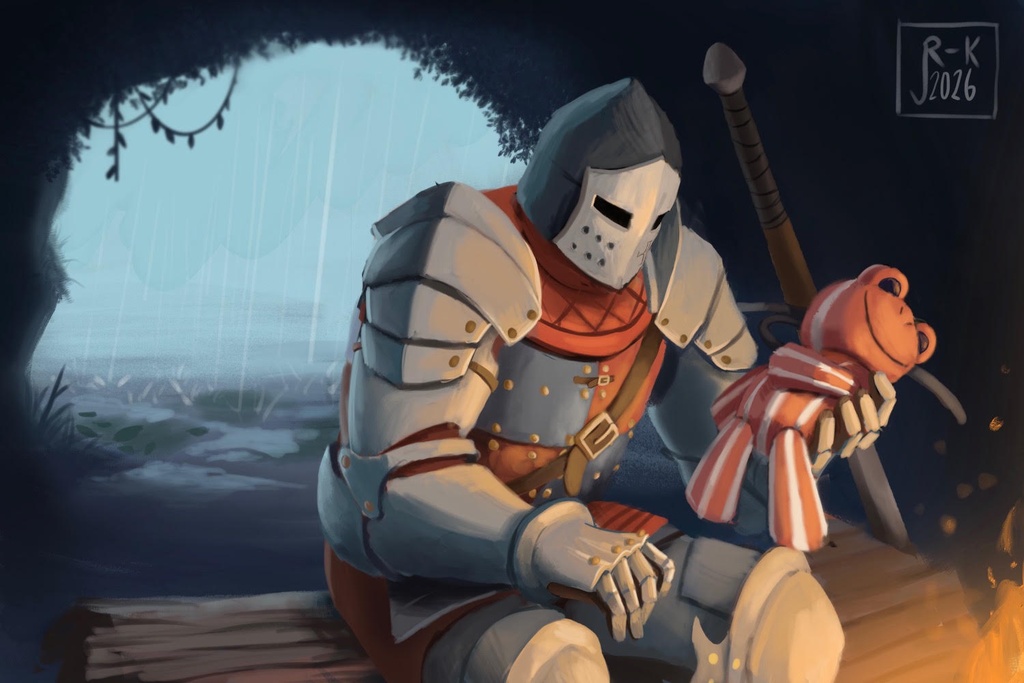
Learn to use your iPad to draw digitally with this illustration and painting app. You'll follow along with the instructor to learn how to navigate through the user interface and artist’s tools.
Details
- Skill level: Beginner. No experience with Procreate required.
- You need to bring your iPad with Procreate already loaded (available in the App Store for $12.99).
Apple Pencils or other digital drawing tools, such as tablets or styluses, are not required but are recommended.
Session 1: Basic Drawing in Procreate
You'll begin by opening the app and setting up files, then learn the basics of drawing and erasing with various brushes. Features discussed include brush selection, drawing size and opacity, color picking, and creating/grouping layers.
Session 2: Layers and Brushes
Progress to learning features like the select tool, color palettes, layer organization, and image effects.
Session 3: Advanced Tools and Techniques
Layer effects and management will be explored at length, as will creating and editing brushes. More advanced tools like page settings and animation will be more briefly mentioned.
Materials
- Bring the following to class:
Fully charged iPad with IOS 16.3 or later.
USB-C cable and charger.
Procreate App ($12.99 to download).
Portable charger/power bank (recommended).
Class Policies
- Ages 14 and up are welcome.
Related Events
Check out other events you might be interested in!

Teen Night
Teens (grades 7-12) gather for a free evening of art, friends, and creativity (registration opens at noon April 30).
May 14, 2027
Teen Night
Teens (grades 7-12) gather for a free evening of art, friends, and creativity (registration opens at noon April 9).
April 23, 2027
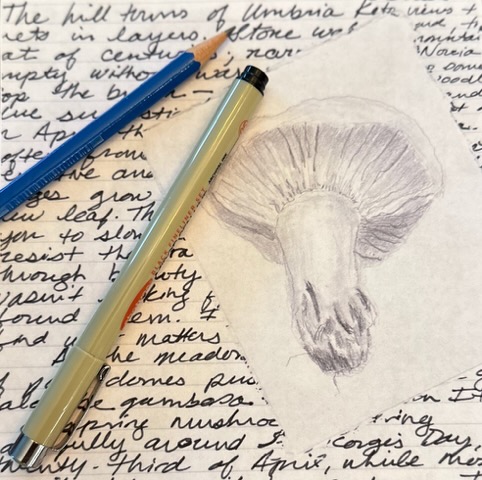
Nature Writing and Drawing
Rediscover the natural world through careful observation, simple drawing, and reflective writing.
March 13, 2027