About
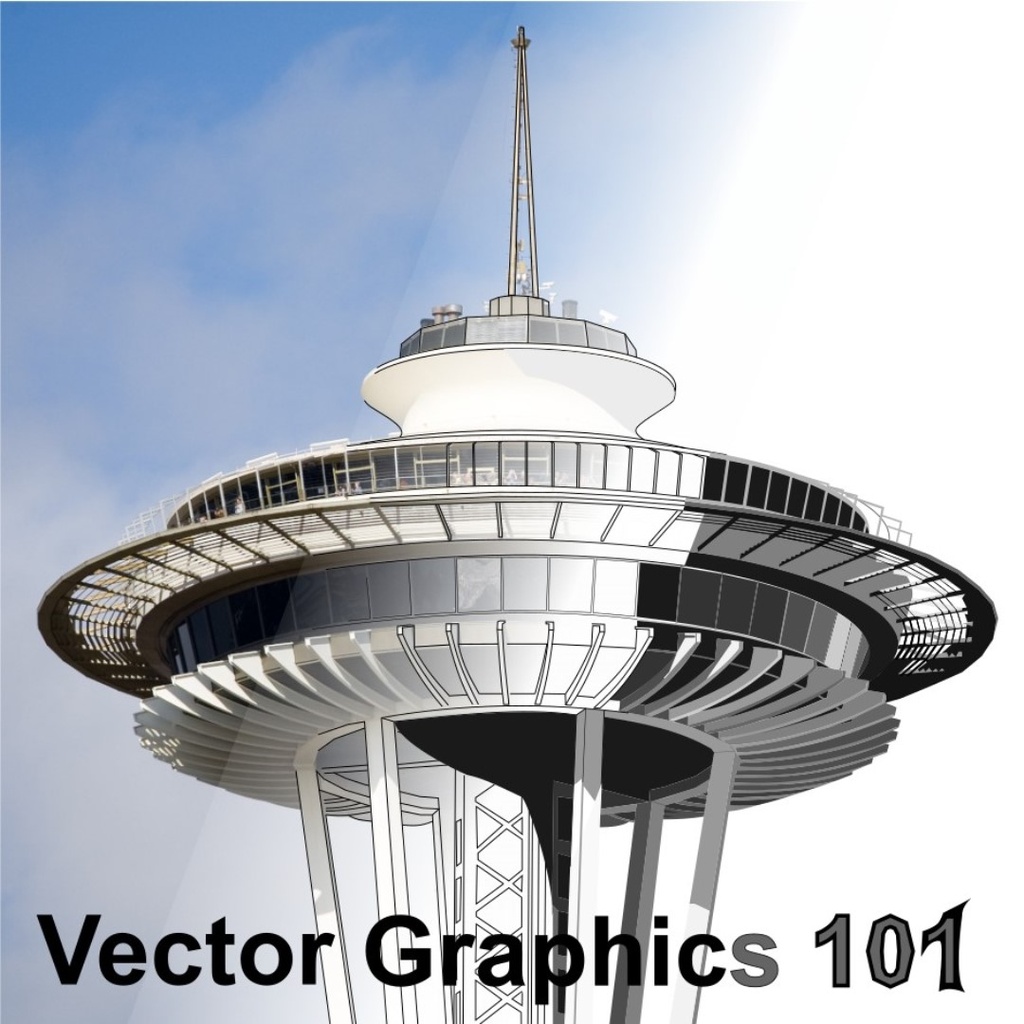
Learn the fundamentals of vector graphics using Inkscape software in this hands-on class.
About this class
We have a lot of machines that can be controlled by computer at BARN. The Metal Shop has CNC lathes, milling machines, and plasma cutters. The Woodshop has a CNC router. Electronic and Technical Arts has a small CNC router, 3D printers, and laser cutters. Fiber Arts has a computer-controlled embroidery machine. Getting your design out of these machines starts with capturing your design in a vector graphics application.
The better you understand vector graphics the easier it is to create a design and have one of these machines turn it into a tangible piece of art.
We'll talk about the differences between vector graphics (lines) and raster graphics (bitmap pictures), and about the common concepts used in all vector graphics software. We'll use Inkscape, a fully featured and free graphics design application that runs on Windows, Mac, and Linux computers.
The emphasis in this introductory class is on building a solid foundation on the basics of creating and editing vector graphics designs. Every student practice the lessons through the class (see Details below regarding bringing your computer or laptop with the program loaded).
You'll learn the differences between lines, paths, and shapes, then the basic tools for modifying them in Inkscape. We'll learn a bit, practice it, then learn some more. Everyone will take home a USB drive with the class materials. Because the class is developed using Inkscape, you'll be able to read through the lessons and practice more at home after the class.
This is a great class for complete beginners and those who have tried and struggled with getting Inkscape to do what they want.
Details
-
Bring a computer/laptop with Inkscape 1.2.2 installed. This version of InkScape can downloaded at https://inkscape.org/release/inkscape-1.2.2/
-
Ages 14+ (or 12+ with a guardian) are welcome.
-
Please click here for BARN's current COVID-19 health & safety protocols.
-
Students are requested to wear a mask for this class by the instructor.
-
BARN is committed to accessibility. Tuition Assistance is available - click here to fill out the simple application before registering for a class. For those who might need physical assistance, please learn about BARN's Companion Program here.
Instructor
Mike Schrempp - Mike is enjoying retirement after spending 39 years in the design and development of computers. He’s done product development, mechanical part design, engineering management, and architected servers used in big data centers at Amazon and Microsoft. Now he enjoys making things -- from wood, plastic, metal, food, and python code -- and showing others some of the tricks he’s learned along the way.
Contact Doug Salot: ETA.Lead@BainbridgeBARN.org