About
Learn the basic features of VCarve Pro, a popular program used to make signs, engravings, intricate inlays and imported 3D shapes and models on computer-controlled routers. VCarve Pro is easier to learn than Fusion 360, the other 3D design program taught at BARN, and can be used for projects on both the large CNC router in the Woodworking Studio and the small CNC router in the ETA Lab.
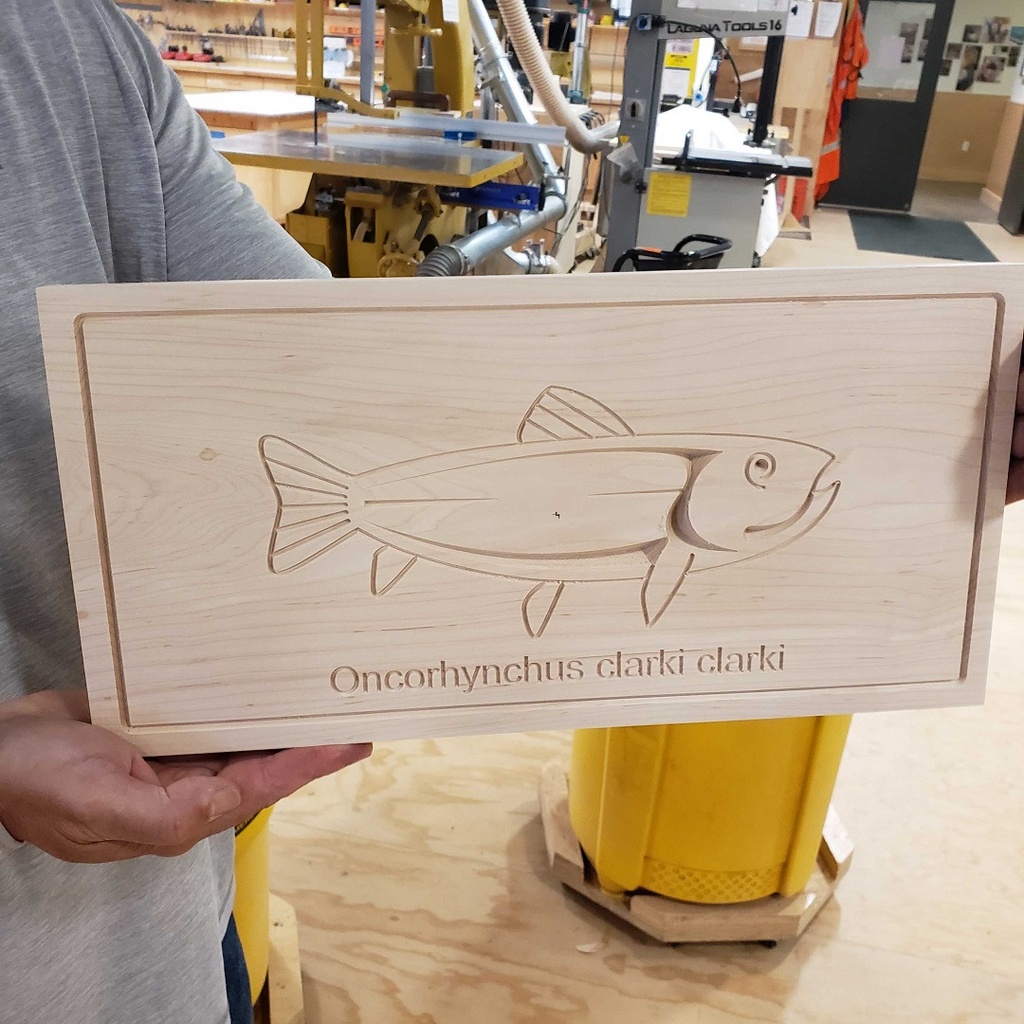
Session 1 will be in the ETA studio where you will use the VCarve Pro software to design an 8x16" sign. You will prototype your design on ETA's laser cutter then in session 2, you will meet down in the wood shop to carve it on the CNC router.
Please note: To take this class, you need a laptop computer with a mouse and a working copy of VCarve Pro 11 already downloaded to that computer. Download a free trial at www.vectric.com. The software requires a PC or a MAC that has Windows installed. There is no time during the class to download the program. If you have questions or run into problems downloading the program, please email the instructor for help. If you don't have a laptop you can bring to the class, you may use an ETA studio desktop computer with the required software already loaded.
Details:
Instructor: Al Ebken is a retired ocean engineer with many years of computer and computer-aided design experience. (In the picture, he's using the Woodworking Studio's CNC router to make parts for face shields to protect against coronavirus infection.