About
Go from “argh” to “aha!"
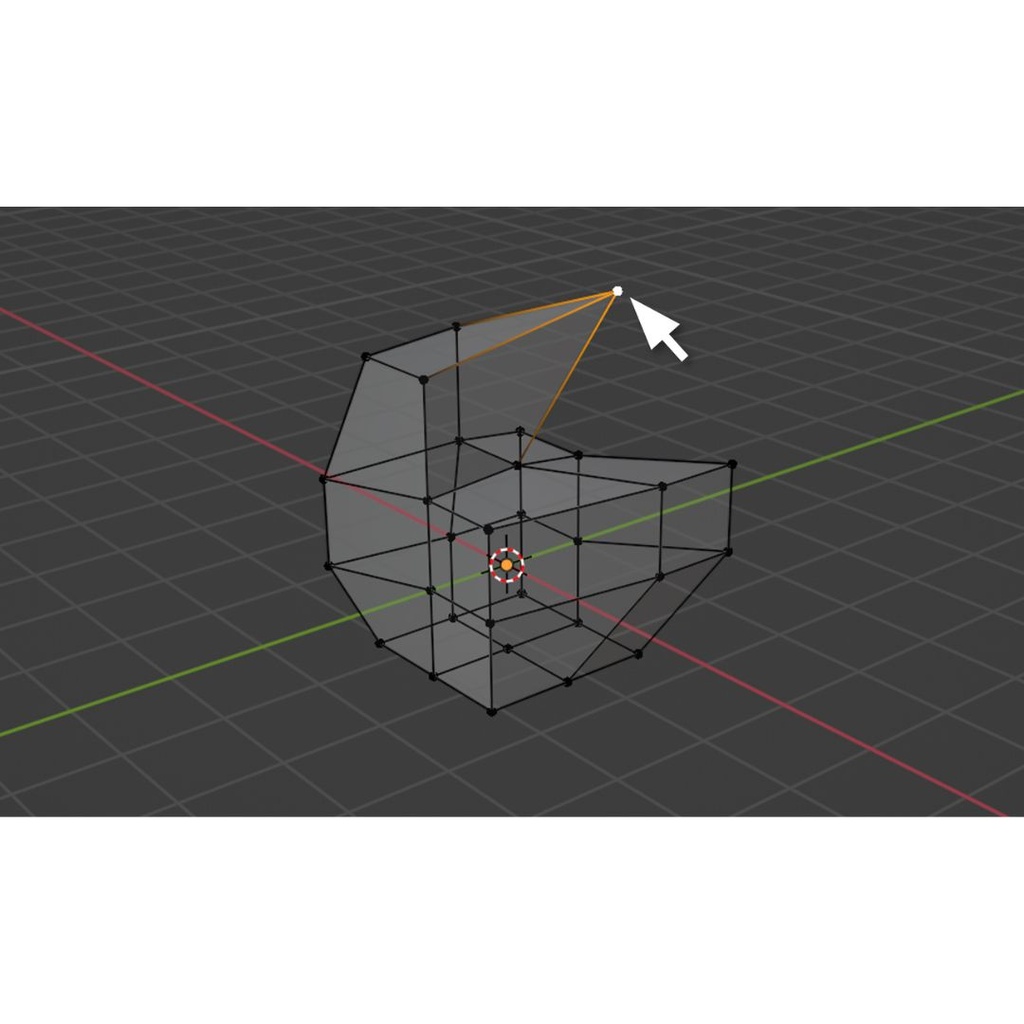
Blender is an extensive, open-source 3D design software that has earned respect in the computer design industry for its scope, innovative artistic power, and community support. Unsurprisingly it also has developed a reputation for having a steep learning curve.
By clearly presenting the UI basics and valuable hot-key short-cuts, and resolutely focusing on just one aspect of Blenders’ enormous scope - 3D hard surface modeling - this class brings Blender under control and provides you with a solid platform for both immediate use with 3D print design in the Tech Lab, and for your own further exploration of the software and personal maker-goals.
Class Policies
Ages 14 and up are welcome.
Details
You must bring a laptop computer with a mouse and a working copy of Blender already downloaded. This is critical as no computers are provided, and the design program does not work well with a trackpad. There will not be time during class to download the program.
Blender is open source software and you can download and install a free copy from Blender.org.
Prerequisites
None, but experience with 3D modeling is helpful.